 Back to all articles
Stepping Down Parental Controls Safely
12 March 2026
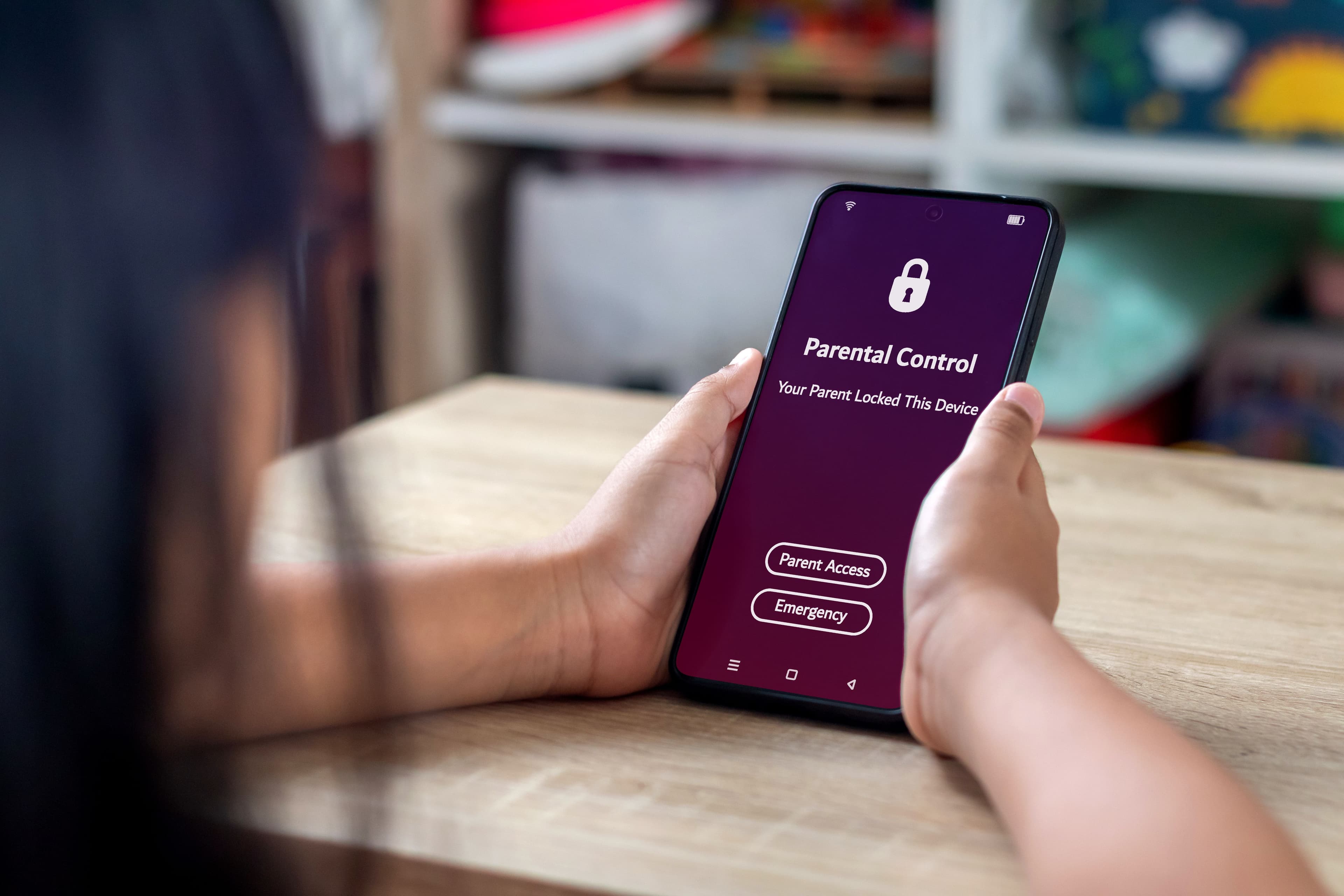
Parental controls are a starting point, not a finish line. They help your child learn safe habits, while you stay close and supportive. As they grow, your role shifts from protector and role-model to coach and supporter, helping them build the confidence and skills to manage their own safety online as the develop towards digital independence.
Why would I scale down my parental controls?
Turning parental controls off or scaling them down is something to consider as your child develops the skills and maturity to start managing their online spaces more independently. It's about handing over responsibility with trust and guidance, and replacing 'controls' with continued trust and connection so you can be close by if something happens.
Stepping down parental controls doesn't mean having no safeguards in place, but instead it hands some responsibility to your child to manage the user controls on their device and in their apps and platforms.
What are user controls?
When tamariki are ready, they can start using the same safety tools you’ve modelled, and these are called user controls.
They are the everyday safety tools available inside most apps, devices and games, such as:
- Setting privacy and visibility preferences
- Reporting harmful content or behaviour
- Blocking or unfriending unwanted contacts
- Managing their own screen time and notifications
- Checking app permissions and data sharing
What's the right balance between parental and user controls?
Each child develops at their own pace. Age may be a factor in your whānau, but readiness is really important as well. This means thinking about whether your child has the skills, attitude and demonstrated behaviours to manage some of their own safety settings online.
Signs your child might be ready for fewer parental controls:
- They tell you when something goes wrong online
- They can explain why certain content isn’t appropriate
- They understand what personal information should stay private
- They block or report harmful behaviour without needing help
- They can balance online time with sleep, school, and offline life
- They talk about new apps or games before downloading them
If this sounds like your child then it might be suitable for you to talk about finding a new balance in managing their safety between parental controls and user settings.
When to keep parental controls in place a little longer:
- Hides screens or gets defensive when asked about online activity
- Reacts strongly to being asked to stop using a device
- Downloads or joins apps without telling you
- Struggles to balance gaming or social time with school or sleep
- Has been involved in unsafe behaviour online
These are signs they still need structure, boundaries, and more kōrero before moving toward digital independence.
Our young people learn best when they feel capable and included. Try to find small, regular coaching moments to build their online safety skills and awareness.
How to step down control gradually
You don’t need to switch everything off at once. Try releasing one layer of control at a time as responsible digital citizenship skills and behaviours are demonstrated, and continue to stay in touch and coach them as they explore more independently.
For example:
Permit 'friends only' chat
You might loosen some controls on communication features in a game or an app, and at the same time practice together how to mute, block or report unwanted or inappropriate messages
Purchase approval
You might allow a small budget or set up a pre-paid wallet for online spending in games, and at the same time work together on creating the budget, learning about scams and how to check seller credentials.
Monitoring
You might reduce the monitoring you're doing on screen time and app use, and move more towards coaching them by asking reflective questions and encourage self-management ("How do you know when it's time to shut it down?")
Reduced filtering
You might change the settings on your web browsers to allow some additional sites in results, and work together to spot sponsored or AI generated content and talk about the importance of critical thinking.
Parental controls are your training wheels for digital life, but the goal is to help your child become confident digital citizens who can:
- Stay kind and respectful online
- Use privacy and safety tools independently
- Know when and how to ask for help
- Make safe choices, even when no one’s watching